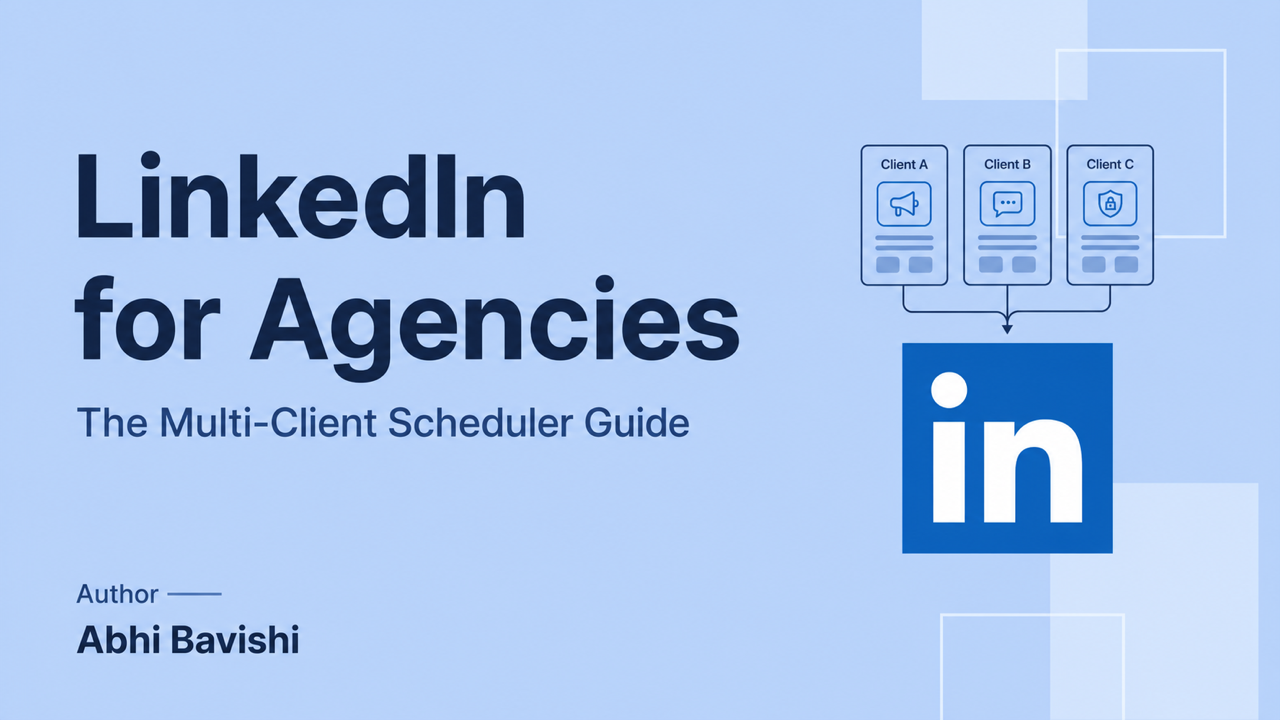
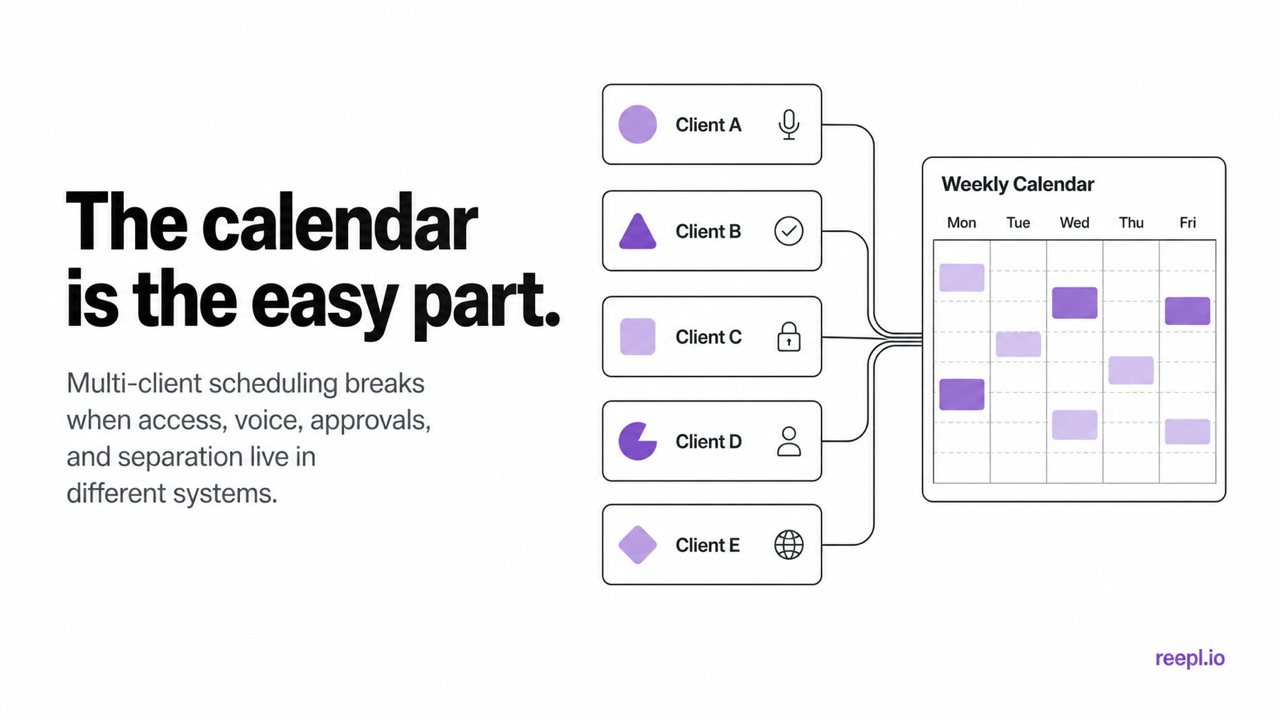
A calendar is the easy part of agency scheduling. The hard part is keeping every client's access, voice, approvals, publishing queue, and reporting separate without rebuilding the same workflow in five different apps.
That distinction matters because scheduling itself is already a commodity. LinkedIn® lets members schedule posts from 10 minutes to three months ahead, and Page admins can schedule Page posts up to three months ahead. The difficult part for an agency is everything around the Schedule button: who can publish, which client approved what, whether the draft sounds like the right person, and what happens when a client changes direction on Thursday afternoon.
Buffer, Hootsuite, Taplio, AuthoredUp, and Reepl all approach that problem differently. The right choice depends on whether your agency mainly needs cross-platform publishing, LinkedIn® content production, stricter reviews, or cleaner separation between client voices.
What a LinkedIn® scheduling tool for agencies needs to handle
A solo creator can get by with a queue and a preview. An agency has to manage access, context, review, and accountability across a portfolio. Those are different jobs.
1. Safe account access
Do not build an agency workflow around shared LinkedIn® passwords, copied browser cookies, or a browser extension that performs actions without clear authorization. Each client should connect their own account through an authorized flow, and each teammate should have their own login and permissions.
LinkedIn® says connected third-party applications can take authorized actions on a member's behalf and that members can review or remove those services in their settings. LinkedIn® separately prohibits unauthorized tools that scrape or automate activity on its website. An OAuth connection does not make every possible automation safe, but it removes the need to hand an agency a password or session cookie. That is the baseline to insist on. See LinkedIn®'s guidance on third-party application access and automated activity.
2. A hard boundary between clients
A tag is useful for filtering. It is not a client boundary. A good agency setup gives each client their own connected account, content context, drafts, queue, analytics, and access rules. The practical test is simple: could a new writer open Client A and accidentally use Client B's notes, voice, or publishing destination? If the answer is yes, the setup is too loose.
3. An approval trail that lives beside the draft
Screenshots in Slack work until two people edit different versions. Email threads are worse. The scheduler should keep the draft, reviewer feedback, status, and scheduled time together. At minimum, the flow needs pending review, changes requested, approved, and rejected states, plus a record of who made the decision.
Ask one awkward question during a demo: can a client approve without also gaining permission to publish from somebody else's profile? Approval and publishing authority are not the same thing.
4. Voice and context that change with the client
Two clients in the same industry should not sound like two variations of the agency founder. If AI helps with drafting, its source material and writing instructions need to change when the workspace changes. Look for voice profiles built from that client's own writing, not a single account-level tone selector that follows every writer around.
5. Scheduling in the client's timezone
The calendar should display the timezone clearly and let the team save a cadence per client. A London founder, a New York consultant, and a Singapore CEO should not inherit one agency-wide posting slot.
Benchmarks are useful only as a starting point. Hootsuite's analysis of more than one million social posts found strong overall LinkedIn® engagement on Tuesday and Wednesday mornings, but its own breakdown varies sharply by industry and timezone. Start with a benchmark, then use each client's results to replace it. The full study is available in Hootsuite's LinkedIn® posting-time research.
6. Pricing you can model before the next client signs
Agency software usually charges by connected channel, profile, user, client workspace, or some combination of them. None of those models is automatically bad. The surprise is bad.
Price a tool against the roster you expect six months from now. Include team seats, client approvers, connected personal profiles and Pages, AI usage, and any reporting add-ons. Then divide the total by active clients. That number belongs in your service margin, just like a designer or subcontractor.
LinkedIn® schedulers for agencies compared
Buffer, Hootsuite, Taplio, and AuthoredUp all support genuine multi-account or agency workflows. They are not interchangeable, though. Each product is strongest in a different part of the operation.
Tool | Best fit | Verified agency workflow | Pricing basis |
|---|---|---|---|
Reepl | Agencies managing LinkedIn® content in distinct client voices | Separate client workspaces, voice profiles, approval queue, calendars, and team access | Tiered client and team capacity; regional pricing |
Buffer | Agencies publishing across several social networks | One portfolio for client channels, unlimited seats on Team, permissions, and approvals | Per connected channel, with lower unit pricing at higher volume |
Hootsuite | Larger multi-platform social teams | Unified calendar, recommended times, permissions, analytics, and approval workflows on qualifying plans | Plan and user based; account limits depend on plan |
Taplio | LinkedIn® agencies combining content, engagement, and lead workflows | Multiple client accounts, team collaboration, client approval, and account or team reporting | Subscription plus agency offering |
AuthoredUp | Teams that care most about editing, formatting, and analytics | Multiple profiles and Pages, draft collaboration, team analytics, and a shared team calendar | Per connected profile, minimum three on Business |
Buffer
Buffer is a credible agency option, not a starter tool that collapses at client five. Its agency page promises one portfolio for every client, unlimited team members on the Team plan, channel-level access, approvals, and per-channel pricing that falls as volume grows. That is attractive when an agency manages LinkedIn®, Instagram, X, and other networks for the same client.
Its tradeoff is specialization. Buffer is designed to publish well across many networks. An agency buying primarily for LinkedIn® voice development and personal-brand drafting may still need a separate writing system. Review Buffer's agency features and its current plan rules before calculating cost.
Hootsuite
Hootsuite is the broad operations choice. It combines a multi-network calendar, unlimited scheduling, social listening, inboxes, analytics, and recommended posting times. Its Advanced and Enterprise plans add the account capacity and collaboration features larger teams tend to need, while approval workflows depend on the plan and number of users.
Choose it when LinkedIn® is one part of a bigger social program. If the agency's product is executive ghostwriting, compare how much time the team will still spend moving voice notes, writing samples, and drafts between Hootsuite and a separate AI or document stack. See the current Hootsuite plan comparison or the detailed Reepl versus Hootsuite comparison.
Taplio
Taplio now markets directly to agencies. Its official agency page lists multiple client accounts, team collaboration, content approval, per-client scheduling, and account-level or team-level reporting. It also brings a large LinkedIn® post library, AI writing, engagement, and lead features into the same product.
Taplio is a close competitor for agencies, so the decision comes down to workflow and content approach rather than basic client management. Test the same client's source material in both tools and compare the draft before buying. Read Taplio for agencies and the Reepl versus Taplio comparison.
AuthoredUp
AuthoredUp's Business plan is built for agencies and social media teams. It supports multiple profiles and company Pages, draft collaboration, team analytics, and a shared calendar. Pricing is per connected profile with a minimum of three, so the cost is easy to model against a client roster.
It is a strong fit when writers already know what they want to say and need a disciplined editor, formatting preview, scheduling, and analytics. Agencies that want AI generation trained on each client's writing should compare that workflow separately. Check AuthoredUp's current Business plan and the Reepl versus AuthoredUp comparison.
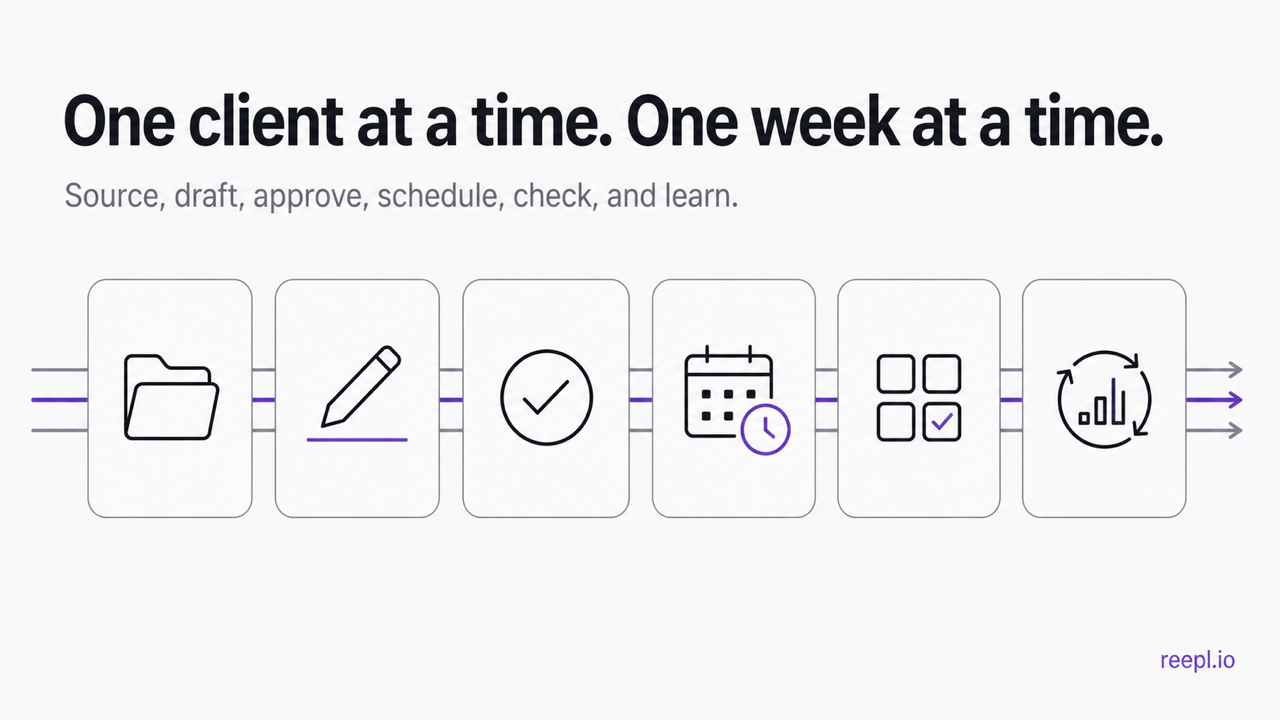
A weekly scheduling workflow for five, fifteen, or forty clients
A tool can reduce coordination, but it cannot decide how your agency operates. The following workflow keeps the calendar moving without turning every Monday into a status meeting.
Step 1: Lock the source material before drafting
Give every client one intake deadline for the week. Collect voice notes, call transcripts, campaign priorities, launch dates, and topics in their workspace. Anything that arrives after the deadline goes into next week's backlog unless it is genuinely urgent. Otherwise one late Slack message can reshuffle an entire roster.
Step 2: Batch one client from idea to review
Finish a client's week before switching voices. Drafting five hooks for five different people in one sitting feels efficient, but it encourages the same rhythm and opinion structure to leak across accounts. Staying with one client long enough to finish their batch makes voice drift easier to notice.
Step 3: Submit complete drafts, not fragments
A reviewer should see the copy, visual, first comment, publishing destination, and proposed time together. If the image is still in Canva and the time lives in a spreadsheet, the approval is incomplete. Keep feedback attached to the draft and send changed work back through the same review state.
Step 4: Schedule in the client's timezone
Save a default cadence per client, then override it when a launch or current event requires a different slot. Use audience data once there is enough history. A global "Tuesday at 9" rule is a useful starting hypothesis, not an agency strategy.
Step 5: Run a portfolio collision check
Before the week starts, scan every client calendar together. Look for two clients reacting to the same news with nearly identical arguments, repeated hooks from the same writer, missing approvals, and gaps caused by a moved post. Some tools provide an all-client rollup; with others, maintain a compact agency planning board that links back to the approved posts.
Step 6: Feed results back into the next batch
Do not turn reporting into a monthly slide-deck ritual. Each week, record which topics, formats, and posting windows beat that client's normal range, then use those notes when you plan the next batch. Every client's audience will teach you something different.
How Reepl handles multi-client LinkedIn® scheduling
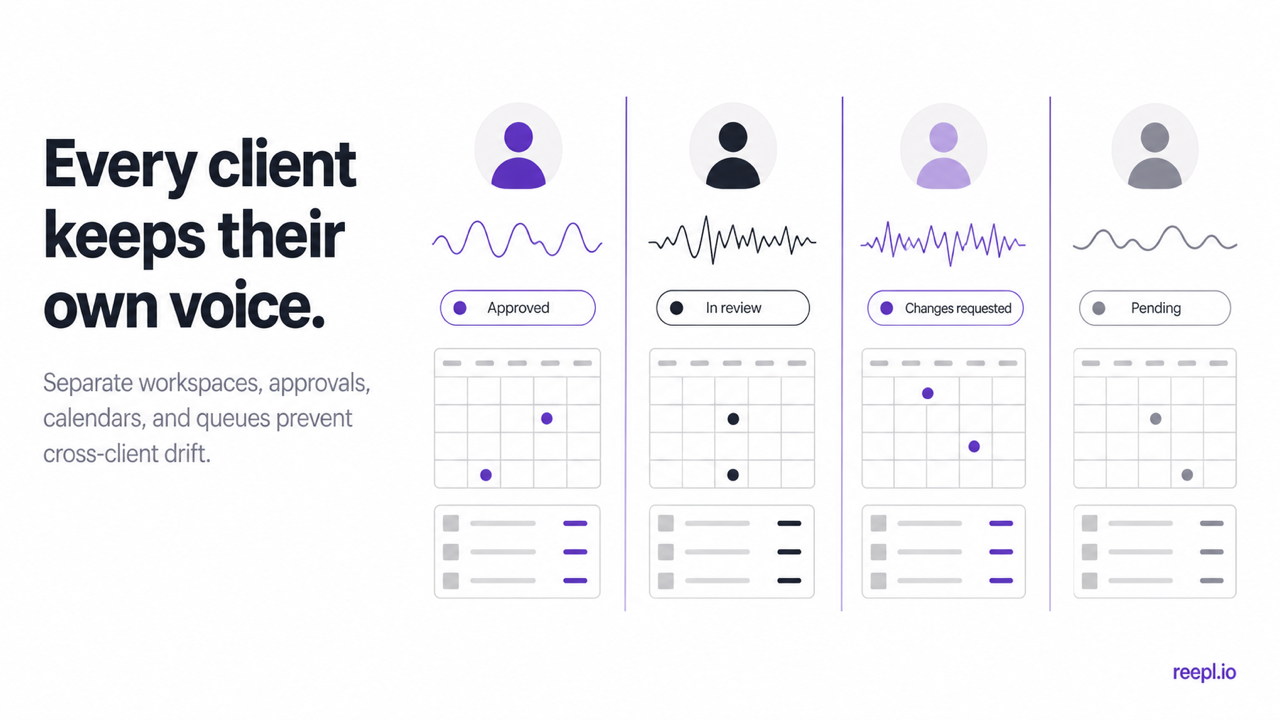
Reepl treats the client workspace as the operating unit. When a writer switches clients, they also switch the connected account, content context, voice profile, drafts, calendar, queue, and analytics. That keeps the roster in one system without training one generic "agency voice" and applying it everywhere.
The current Agency tiers support:
- Solo: 5 client workspaces and 1 team member.
- Boutique: 15 client workspaces and 5 team members.
- Scale: 40 client workspaces and 15 team members.
- Enterprise: 100 client workspaces and 50 team members.
The plan table lists 10,000 AI credits per client workspace per month. That is different from a single pooled allowance across the whole agency, so a quiet client does not donate unused credits to a busy one. Pricing is localized by region and billing cycle; use the live pricing page rather than a number copied into an old proposal.
For production, Reepl provides quarter-hour scheduling, timezone-aware queues, calendar and list views, previews, post-now, and an approval queue. Reviewers can approve, edit, request changes, or reject submitted posts. Accounts connect through LinkedIn® OAuth rather than shared passwords or copied cookies.
Reepl is not a white-label platform, including on Agency Enterprise. It does support social platforms beyond LinkedIn®, but this guide stays with LinkedIn® because that is where account connection, client voice, review, and scheduling need to work as one chain.
Run one client through the workflow before you buy
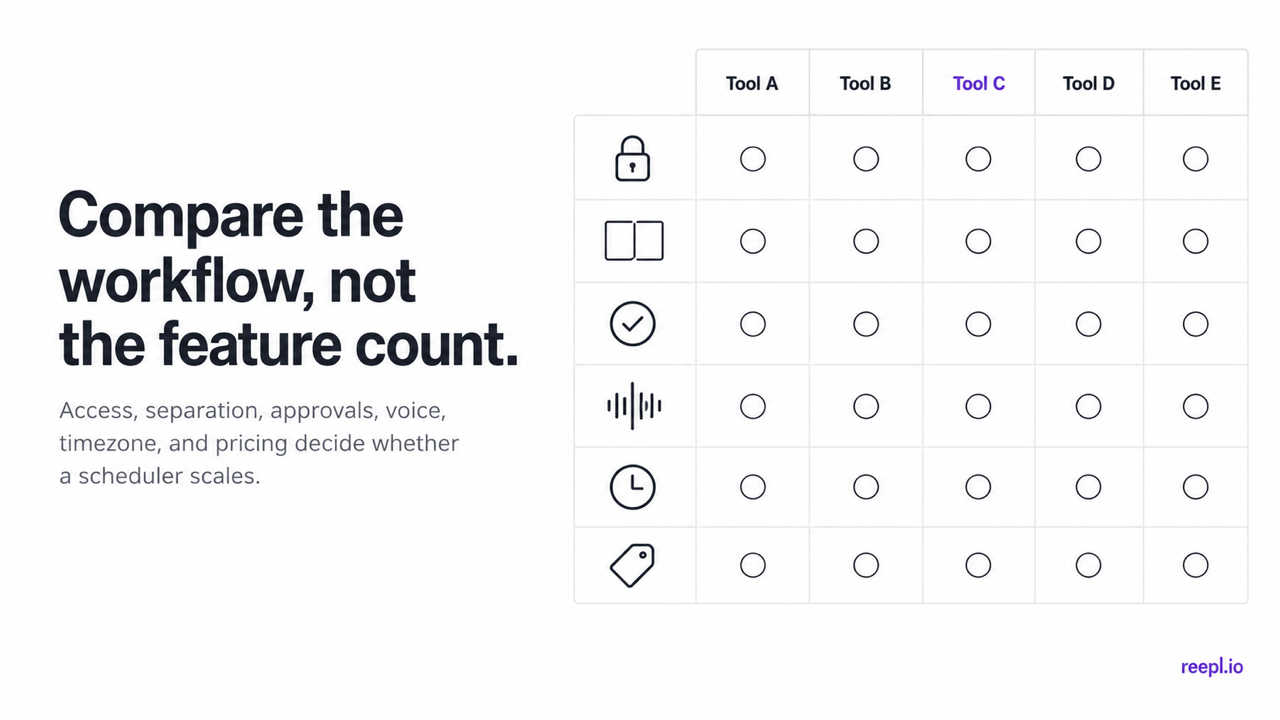
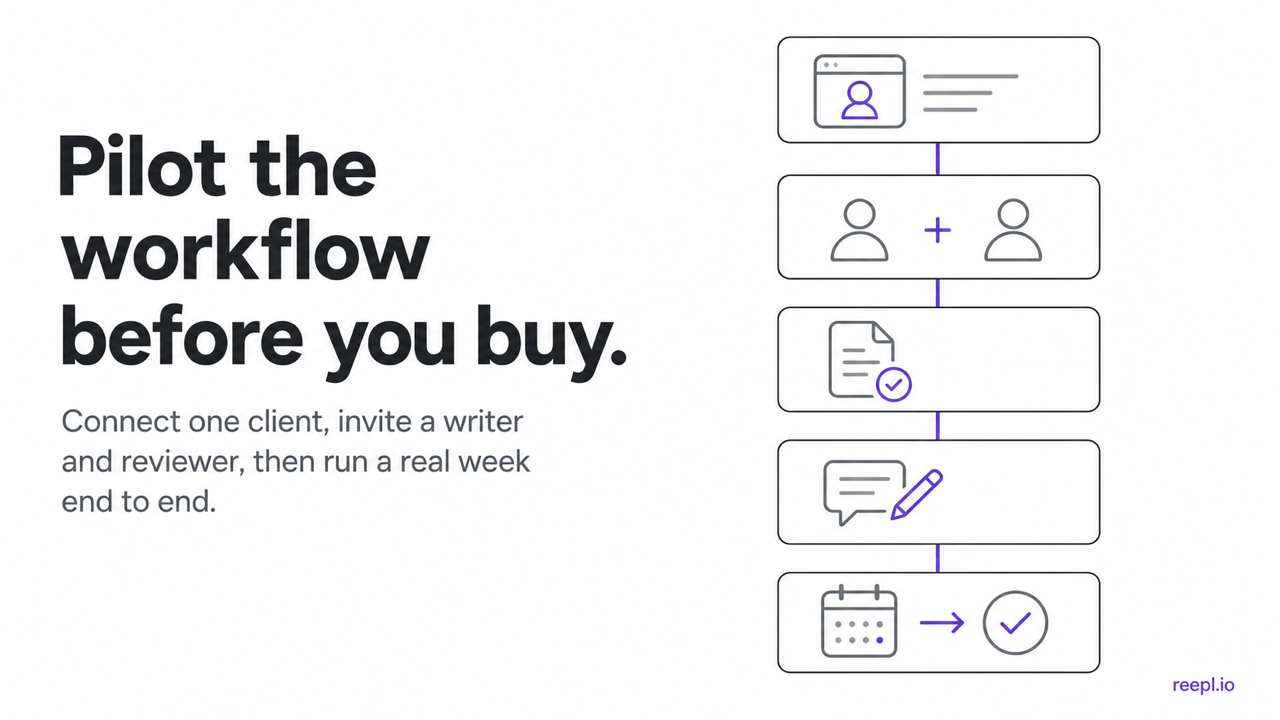
Do not choose a LinkedIn® scheduler from a feature-count screenshot. Connect one client, invite a writer and reviewer, draft a week of real posts, request a change, move a scheduled slot, and export the result. That short test exposes weak permissions, muddy voice controls, and hidden pricing faster than a polished demo.
Buffer, Hootsuite, Taplio, and AuthoredUp can all run legitimate agency workflows. The useful question is where your team loses time. If client context sits in one tool, feedback in chat, and approved copy in a separate scheduler, Reepl keeps that chain inside the client workspace. If that is the bottleneck your agency feels every week, see how Reepl is set up for agencies.
Give Every Client Their Own Voice, Queue, and Review Flow
Separate client workspaces, voice profiles, approvals, and LinkedIn® scheduling in one system.